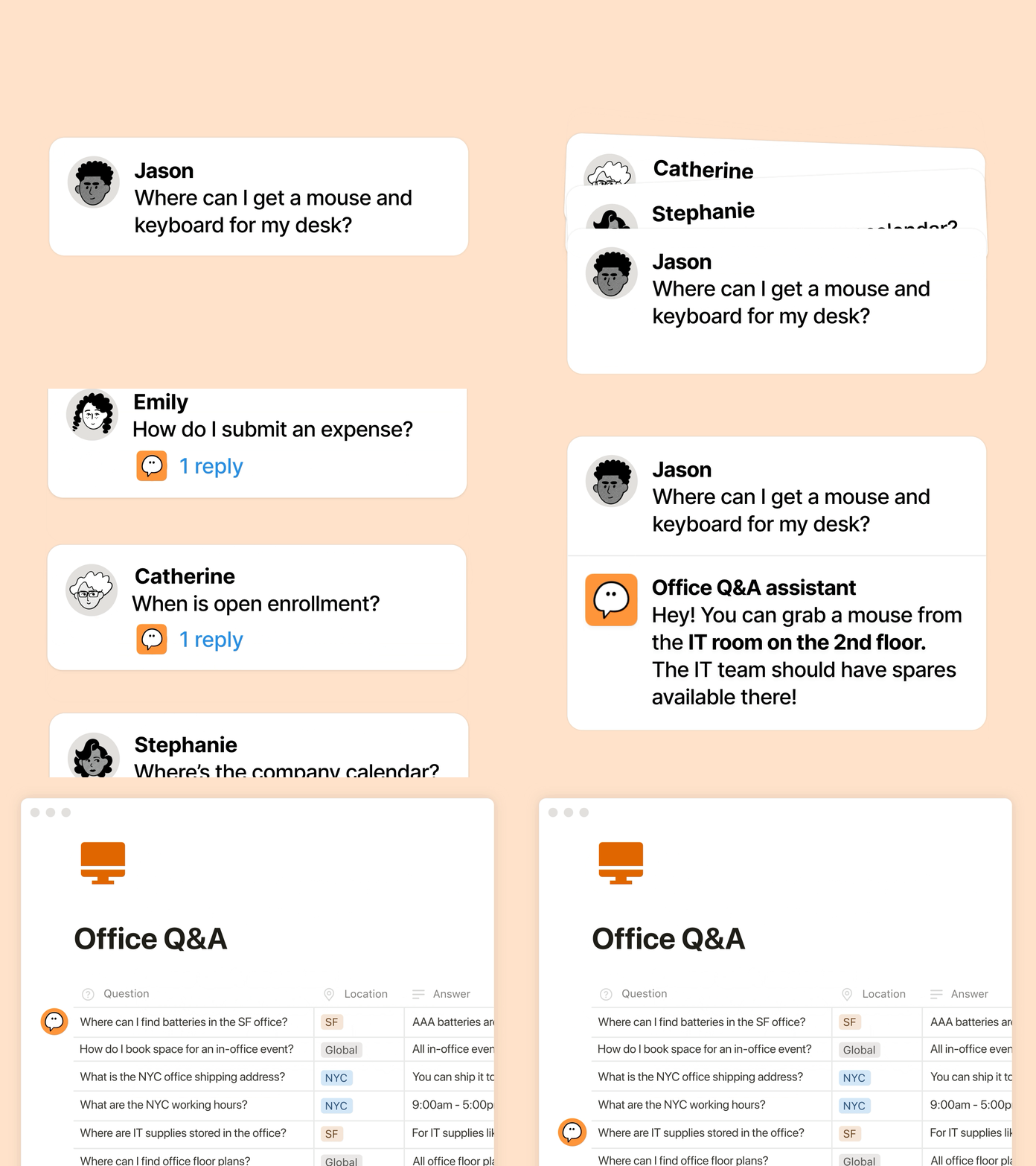
Ben Levick ผู้นำฝ่ายปฏิบัติการและ AI ภายในที่ Ramp คือหนึ่งในผู้ใช้งานเอเจนต์เฉพาะกิจอย่างจริงจัง “เอเจนต์ของเราตอบคำถามที่ซับซ้อนเกี่ยวกับผลิตภัณฑ์และการใช้งานวันละหลายสิบข้อ และมีอัตราความสำเร็จที่สูงมาก ทีมที่เคยต้องคอยเฝ้าช่องทางสอบถามเปลี่ยนบทบาทมาเป็นเพียงตรวจทานคำตอบ และป้อนข้อมูลการปรับปรุงให้เอเจนต์เฉพาะกิจดียิ่งขึ้น” ดูเรื่องราวทั้งหมดของ Ben →
โมเดล AI ใหม่ๆ ที่เปิดตัวจะพร้อมใช้งานอยู่แล้วใน Notion และคุณยังเลือกได้ทั้ง GPT-5.2, Claude Opus 4.5 และ Gemini 3 หรือจะให้ Auto เลือกโมเดลที่เหมาะกับงานของคุณที่สุดโดยอัตโนมัติก็ได้ แถมยังสลับใช้โมเดลได้ตามใจโดยที่บริบททุกอย่างยังคงเดิม ต่อให้คุณจะเปลี่ยนโมเดล แต่ Notion จะยังจำทุกข้อมูลของคุณได้เหมือนเดิม
เข้าใจวิธีที่ทีมของคุณใช้ Notion AI
เข้าใจวิธีที่ทีมของคุณใช้ Notion AI
ตอนนี้ผู้ดูแลขององค์กรสามารถเห็นภาพการใช้ AI ในช่วงต่างๆ ได้ชัดขึ้น ดูว่าใครใช้ AI มากที่สุด ฟีเจอร์ใดที่ช่วยเพิ่มการมีส่วนร่วม และ AI สร้างคุณค่าในจุดใดได้บ้าง เข้าถึงข้อมูลเหล่านั้นได้ที่การตั้งค่า → การวิเคราะห์ → AI และเตรียมพบกับข้อมูลเชิงลึกเพิ่มเติมเร็วๆ นี้
Your Notion Agent now has access to Google's latest model, alongside those from OpenAI and Anthropic. Pick your preferred model for each task, knowing your Notion Agent gets stronger with every model release.
With Notion 3.0, you met your Notion Agent—our biggest update yet.
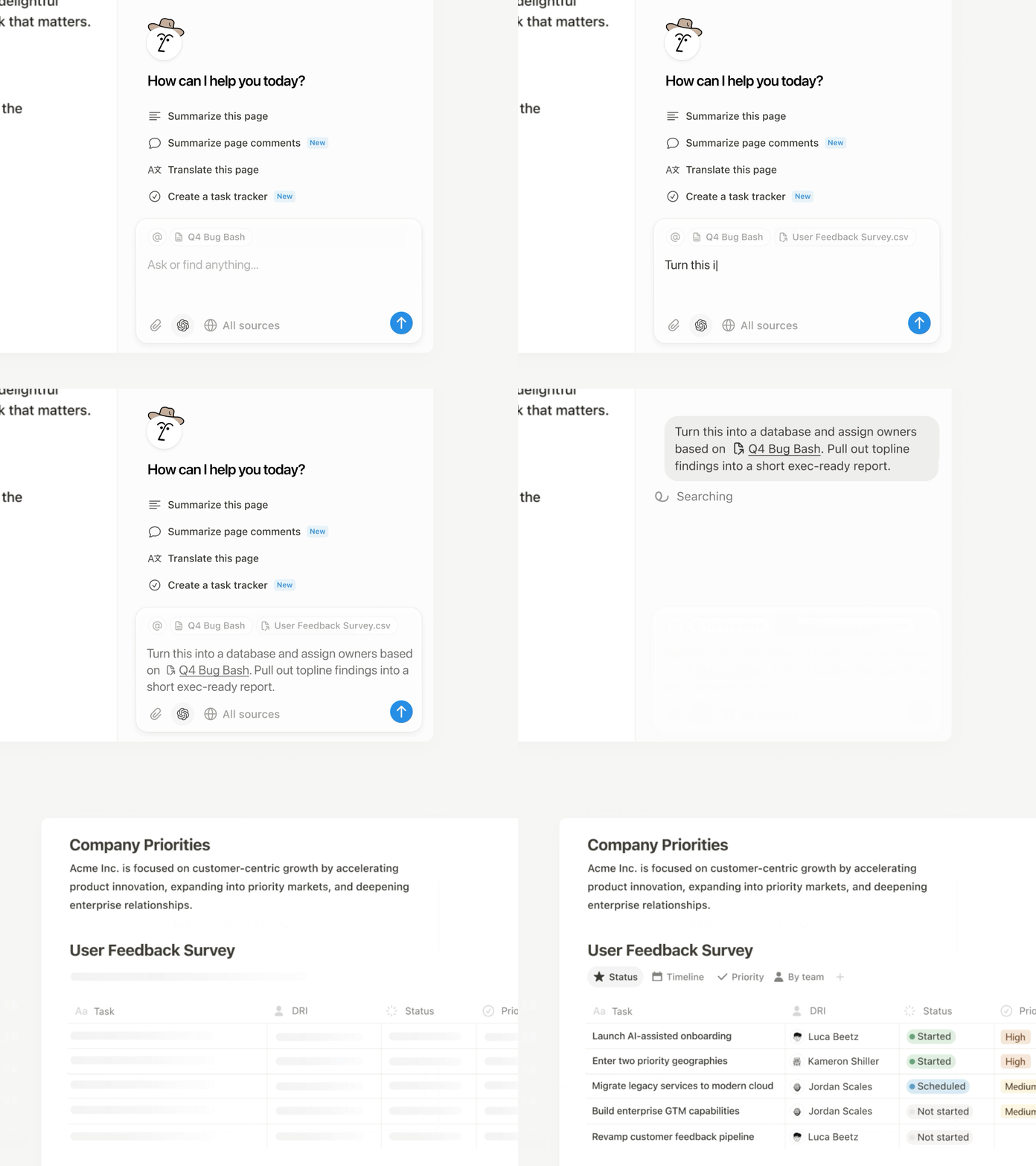
Now, your Agent can analyze page comments, calendars, and private Slack messages and take action on CSVs. It gets all the context, and you don’t have to copy‑paste.
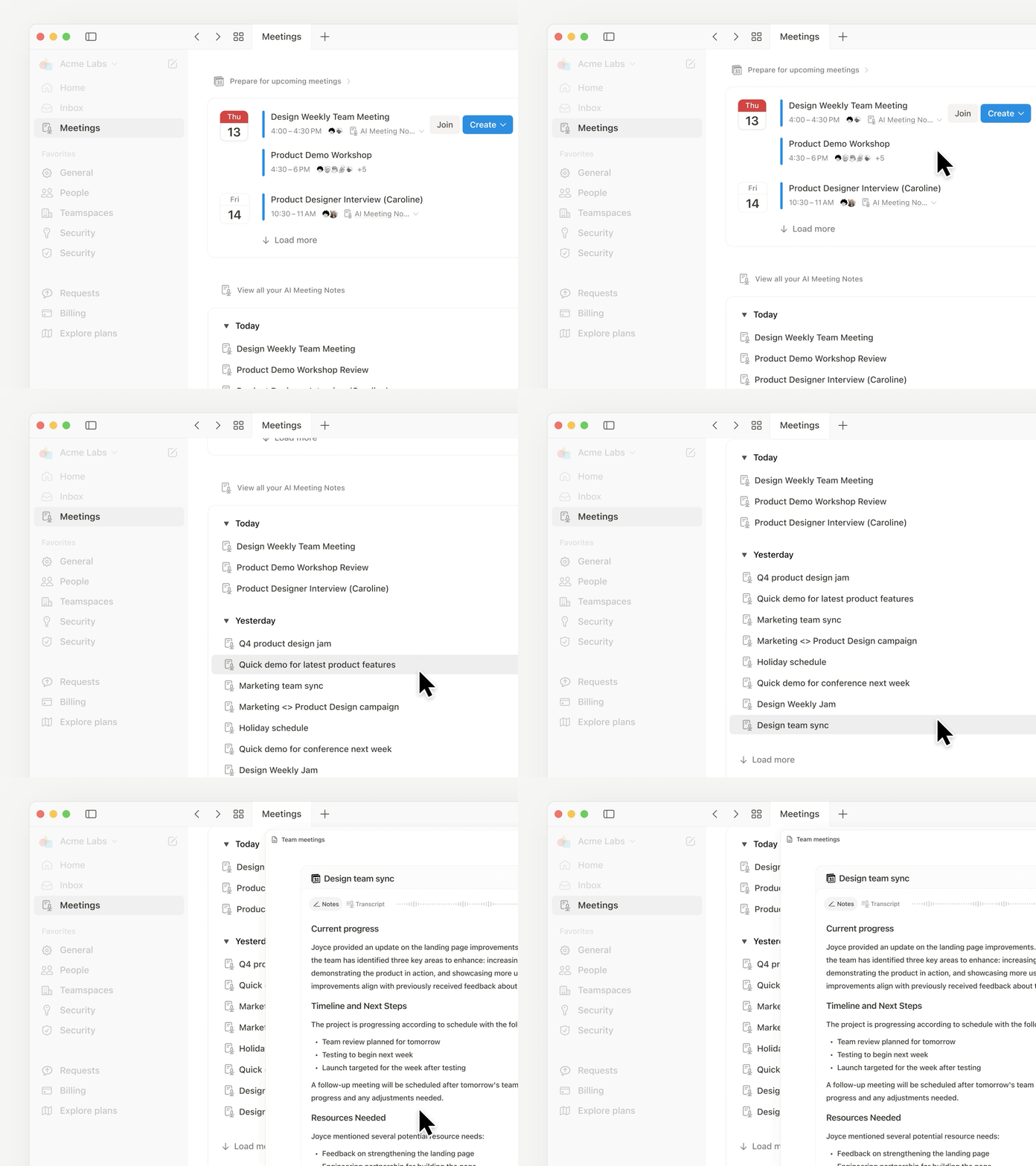
Meeting notes also got its biggest upgrade, including a new home in your sidebar.
Finally, pages are loading 15% faster. It’s a strong start to 3.0!
A new home for all your meetings
Too often, notes get scattered (or forgotten). The new Meetings tab in your sidebar organizes notes from every meeting you’ve run or joined. It syncs with your calendar so you can easily prep notes, join calls, and use AI Meeting Notes to transcribe every detail. Just type /meet on any page and click start to kick off a meeting note. Check it out →.
Get the full context from meeting summaries
AI Meeting Notes summaries now links each takeaway to the exact moment in the transcript, so you can jump straight to the source. It’s great for understanding how decisions were made, catching up on meetings you missed, or handing off action items with the full context.
Agent analyzes comments and CSVs
Now your Agent can read comments and version history when answering questions and drafting updates. This makes it easy to summarize feedback and page updates, or just ask your Agent to make edits from a comment, like “implement Holly’s feedback,” and it will update the doc. You can also upload a CSV and turn it into a database, or ask your Agent to analyze the file and surface the answers you need. Big upgrades (with more soon)!
Your calendar is now searchable
Notion AI can now search your Google and Notion Calendars, making it easier for your Agent to help you manage your day. Get quick help with meeting prep or analyzing your schedule. Try “Brief me on my schedule for the next week” or “When did I last meet with Steven and what were the action items?” Connect your calendar →
Search private Slack messages
Our Slack AI Connector got a nice upgrade. It now supports private channels and Direct Messages, giving you even better search results and your Agent more helpful context. As always, all Slack permissions are respected.
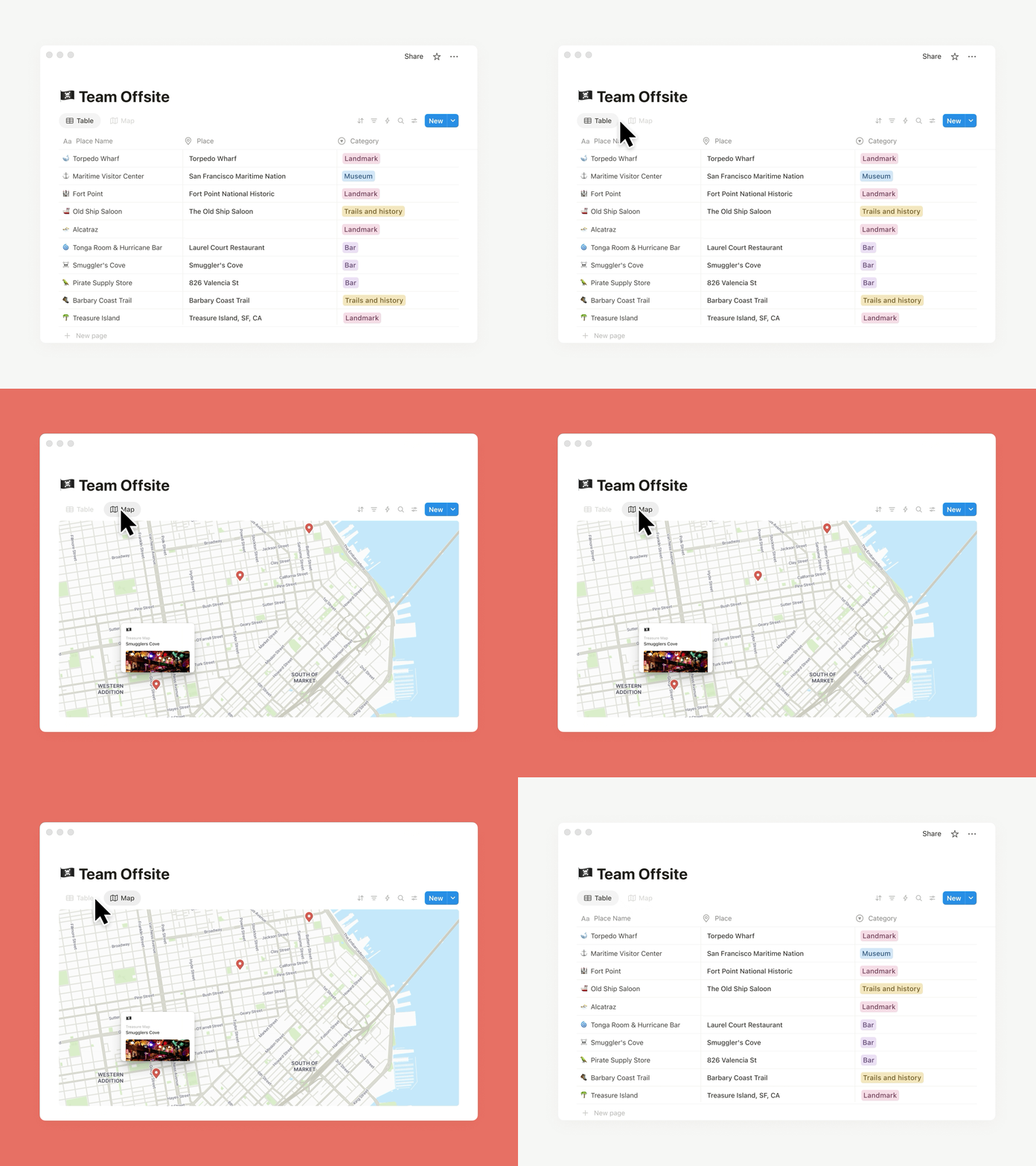
Place it on the map view
Need to track addresses or map locations? The new map view and place property in databases is for you. Whether you’re planning your next company event or your regional office expansion, map view brings it to life. You can also ask your Agent to add a place property and update an existing database with locations and watch the magic happen.
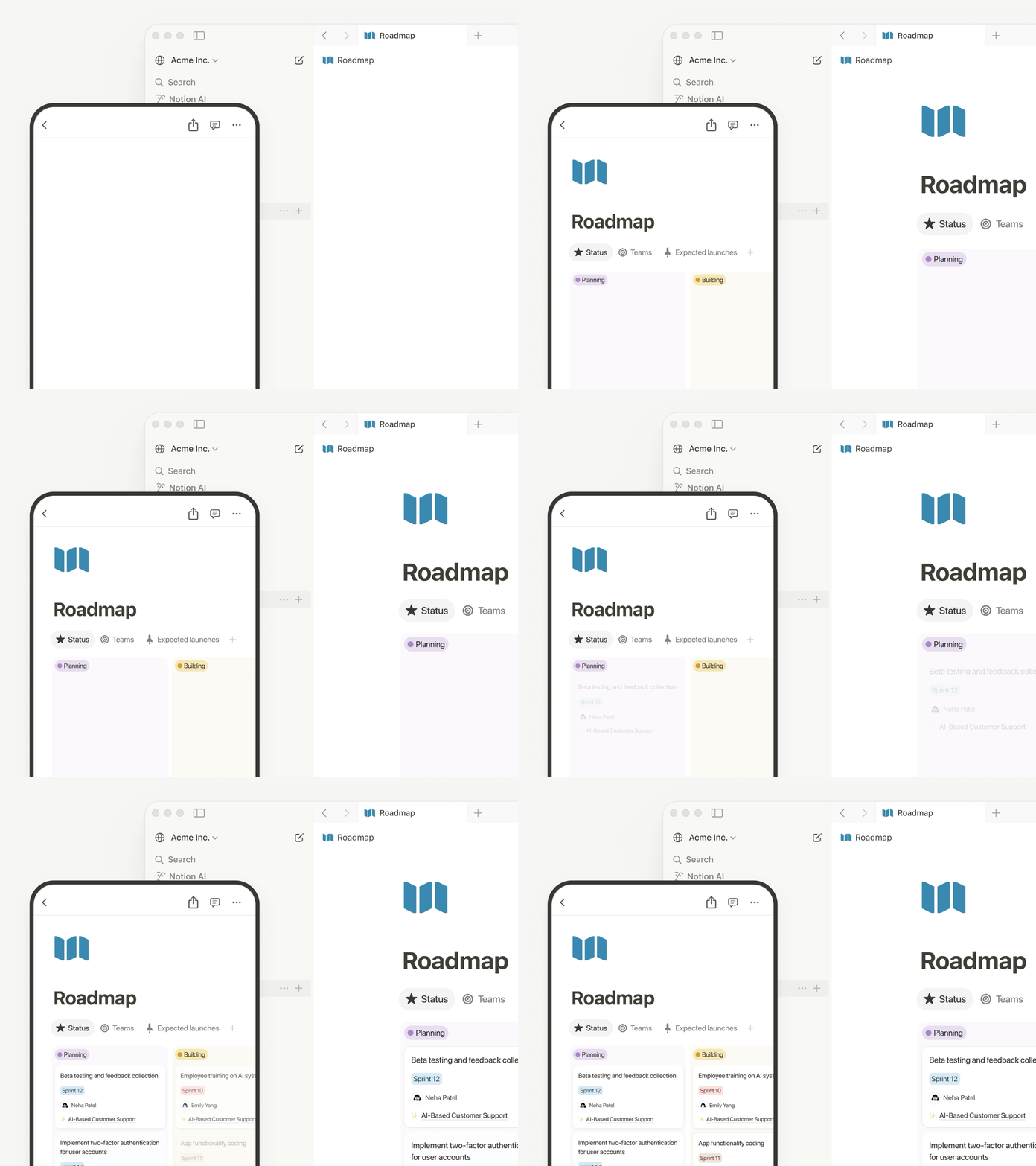
Less load time, more work time
Pages are loading 15% faster! Navigating between pages on desktop and mobile is quicker than ever. Performance matters to you—and we’re on it.
Other updates we’re excited about
Restrict logins to approved IP addresses. This is an important and common request! Learn more →
It’s now easier to review the latest comments when collaborating with your team. This simplified view of page discussions lets you navigate to recent comments, identify what's new, and mark comments to return to later.
Inbox made simpler
New grouped notifications in your inbox mean fewer notifications and a cleaner view, so you can spot what matters and jump to the latest comments fast.